Your QR menu, rated dish by dish.
Put your menu online, share it with a QR code on every table and see what guests love, plate by plate.
- Free to start
- No credit card
- No extra hardware
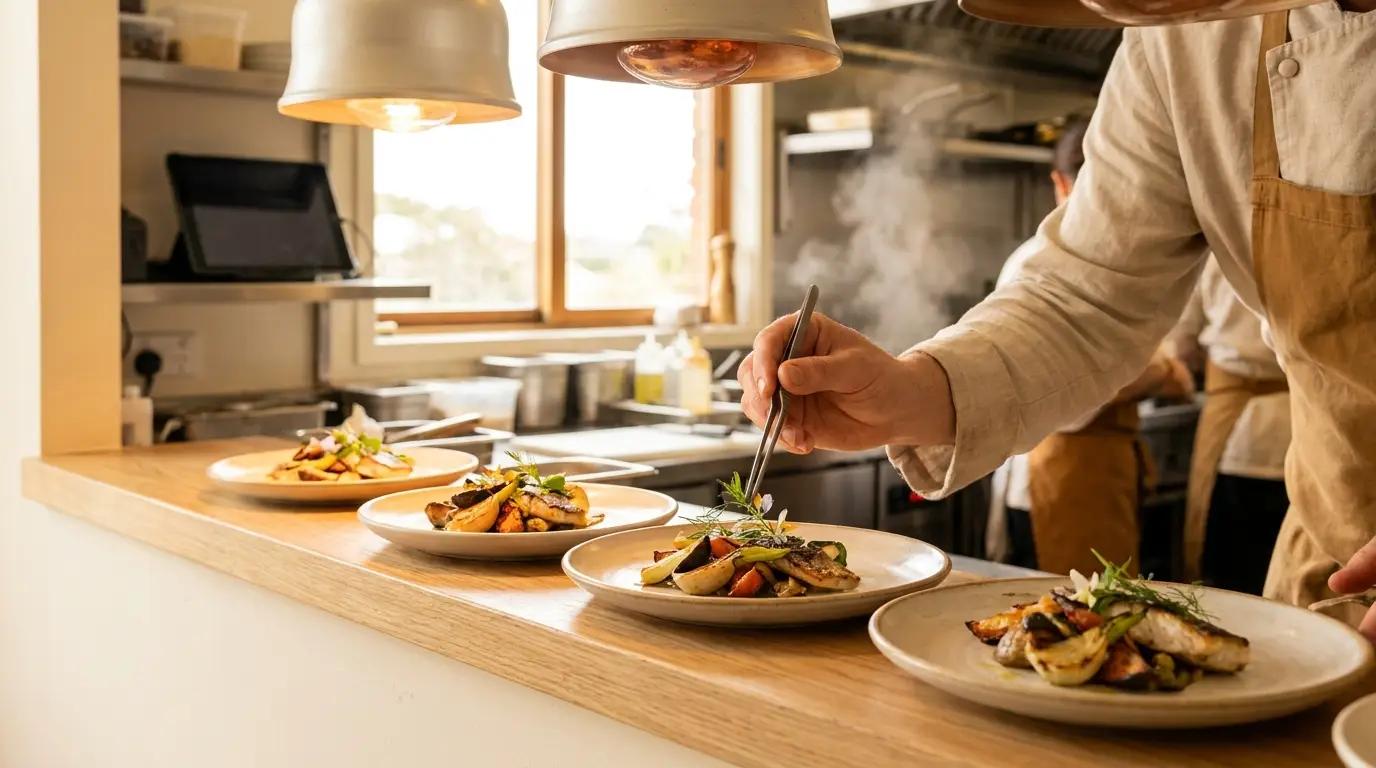
Your menu, online in minutes
Dishes and prices
Add each dish with its price. Prices also decide how many loyalty points a review earns.
Categories
Group dishes into starters, mains, drinks or whatever fits your place.
Your order
Drag dishes into the order you want guests to see them.
Rated dish by dish
Every dish gets its own ratings and reviews from guests who ate it.
One QR code, your whole menu
Every partner gets a public menu page with prices and dish ratings, plus a QR code that opens it.
Public menu page
Categories, prices and sold-out dishes on one page you can share on your website, Instagram or Google profile.
Print-ready QR code
Download the QR code as an image for tables, the window or receipts.
Dish ratings built in
Guests see how other diners rated each dish before they order.
No reprinting
Change a price or mark a dish as sold out and the menu updates. The QR code stays the same.
Your café
Scan for the menu and dish ratings
bitecritic.com/places/your-cafe/menu
Insights per dish
Your partner dashboard turns reviews into numbers you can act on.
Dish ratings
The average score for every dish on your menu, updated with each review.
Trends over time
Follow reviews and ratings by hour, day or week, and spot the moment a dish slips.
Most popular dishes
See which plates guests review most and which ones they rate best.
Followers
See who follows your place, how often they review and how they rate you.
- 9.10
Cinnamon bun
Most reviewed this month
- 8.40
Mushroom risotto
Rating up this week
- 6.80
Club sandwich
Rating down this week
Your menu powers loyalty
Review points follow your menu prices, so guests earn fairly for what they order. Add your menu once and the loyalty program runs on it.
Questions owners ask
Do I need to enter my whole menu?
No. Start with your best-known dishes and add the rest whenever you like.
Do I need a new QR code when my menu changes?
No. The QR code opens your public menu page, so new dishes, prices and sold-out items show up right away.
When does my menu go public?
As soon as your partner account is approved and you have added at least one dish. The link and the QR code are in your partner dashboard.
Which time periods can I compare?
Reviews and ratings can be grouped by hour, day or week, so you can look back at a busy service or compare this week with the last.
Who can review my dishes?
Any BiteCritic member who ate at your place. Reviews belong to the guests who wrote them, which is why diners trust them.
What does it cost?
Getting started is free and needs no credit card. If we ever introduce a paid plan, we will tell you well in advance.
Claim your place →Put your menu to work
Claim your place and add your first dishes today.
Claim your placeFree to start. No credit card required.
Keep exploring
BiteCritic for business
Loyalty, an online menu and dish insights for cafés and restaurants, in one account.
Read moreDigital loyalty program
Retire the paper stamp card. Guests collect points, you choose the rewards.
Read moreHow it works
From claiming your place to scanning your first reward, step by step.
Read more